You remember the day your website launched. It was polished, lightning-fast, and full of promise. You shared the link on LinkedIn, your team celebrated, and for a few months, it felt like a set-it-and-forget-it masterpiece.
But here is the hard truth from the developer’s desk: a website isn’t a static billboard; it’s a living, breathing software ecosystem. If you’ve been on “autopilot” ever since launch day, your digital home might be quietly decaying underneath the surface. In my years as a web designer and developer, I’ve seen it time and again—business owners treating their sites like a one-time purchase rather than a high-performance machine that requires a tune-up.
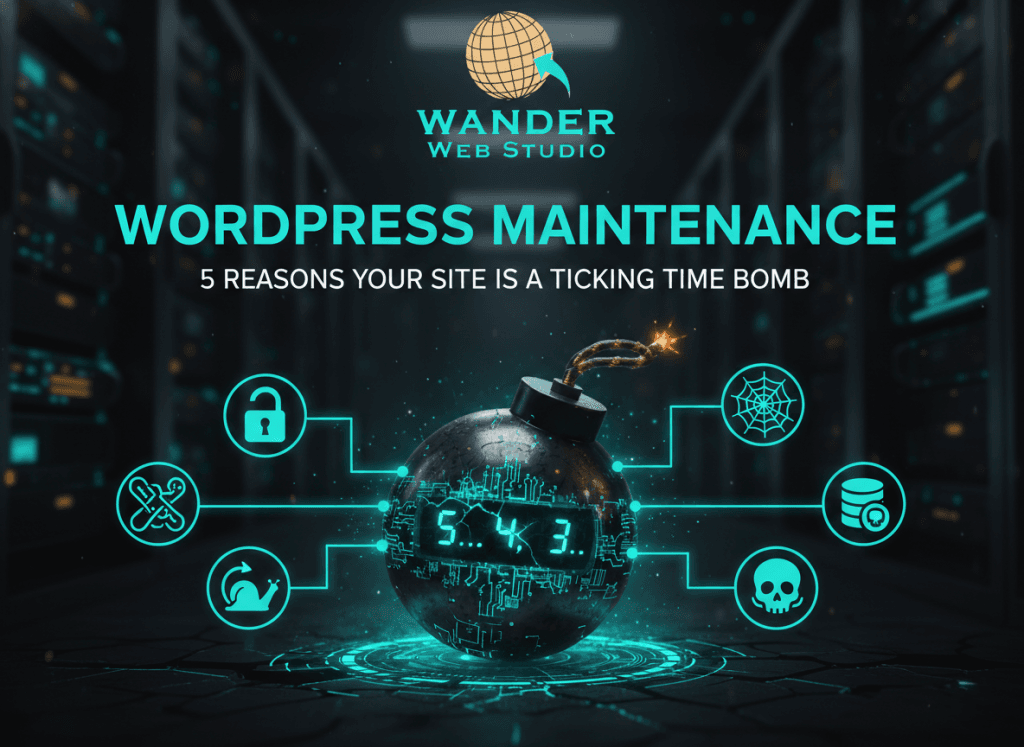
Without proactive WordPress maintenance, your site isn’t just sitting there—it’s a ticking time bomb. Let’s look at the five “fuses” currently burning toward your bottom line and how we can disarm them together.
Most business owners imagine a “hacker” as a person in a dark room manually trying to guess their password. In reality, it’s usually an automated bot script scanning the web for one thing: a known vulnerability in an outdated plugin.
According to research from Sucuri, over 40% of compromised WordPress sites were targeted specifically because of outdated components. When a plugin developer releases an update, they often include a “security patch.” This is essentially a public announcement to the world that says, “Hey, we found a hole in our software!” If you don’t click “Update,” you’re leaving that hole wide open for a bot to walk right through.
✦ Wanderer’s Wisdom: An old, unused plugin is a goldmine for attackers. If you aren’t using a specific tool on your site, don’t just deactivate it—delete it. Every line of code on your server is a potential entry point; keep your digital house lean to stay safe.
In the race for customer attention, speed is your greatest asset. Unfortunately, a neglected site accumulates “digital dust”—overhead in your database, bloated error logs, and unoptimized image metadata that drags down your server.
This “code rot” doesn’t just annoy users; it costs you money. Google’s latest standards for 2026 penalize sites with high technical debt. If your site takes three seconds to load instead of one, you could be losing up to 20% of your conversions. This is why we prioritize WooCommerce optimization for our e-commerce partners—because a slow store is a store that loses sales.
I once spoke with a business owner who lost three years of blog content because they assumed their hosting company was “handling the backups.” When the server crashed, they discovered the “backups” were actually corrupted files stored on that same crashed server.
If your site disappeared tonight, how long would it take to get back online? Relying on a single point of failure is a dangerous game. Effective WordPress maintenance includes redundant, off-site backups that are tested regularly. Whether you are a local shop in Houston or a global enterprise, your data is your most valuable asset. Don’t leave it to chance.
There is a massive difference between the cost of proactive care and the cost of emergency repairs. When a site crashes on a Friday evening, the “break-fix” fees for a developer to drop everything and perform digital surgery are always higher than a monthly maintenance plan.
Beyond the invoices, there is the opportunity cost. Your time as a business owner or President is worth a premium. Every hour you spend Googling “WordPress error 500” or trying to fix a broken layout is an hour you aren’t spending on business strategy or client relationships. Proactive maintenance buys you peace of mind.
✦ Wanderer’s Wisdom: Think of your website like a physical storefront. You wouldn’t wait for the roof to cave in before checking the shingles. Routine care is an investment in your brand’s reputation and your own sanity.
Search engines love activity. When a site is regularly updated, optimized, and secured, it sends a “heartbeat” signal to Google that the business is active and trustworthy. Conversely, a site with broken links, outdated software, and slow response times will slowly sink in the rankings.
If your site is ever compromised and begins sending out spam or malware, you risk being “blacklisted” by Google entirely. Reclaiming your SEO standing after a security breach is a long, expensive uphill battle. Keeping up with your WordPress maintenance is the best way to ensure your site remains a high-ranking asset for your San Antonio branch and beyond.
Your website is the foundation of your digital presence. It should be a source of growth, not a source of anxiety. At Wander Web Studio, we don’t just build beautiful sites; we provide the long-term partnership needed to keep them running at peak performance.
Whether you need a full custom website design or a professional team to take the technical weight off your shoulders, we are here to help you step out of the “break-fix” cycle and into a strategy of explosive growth.
Is your site ready for a check-up? Contact us today for a Digital Health Audit.
Through our parent company, Cocha Technology Inc., we are officially multi-certified as: WBE | MBE | SBE | HABE
4321 Kingwood Drive, Suite 222
Kingwood Texas 77339
Phone: 281-607-0616
Email: info@wanderwebstudio.com
Operating on Central Standard Time (CST) | Serving Clients Across All Time Zones
Copyright © Wander Web Studio. All Rights Reserved.