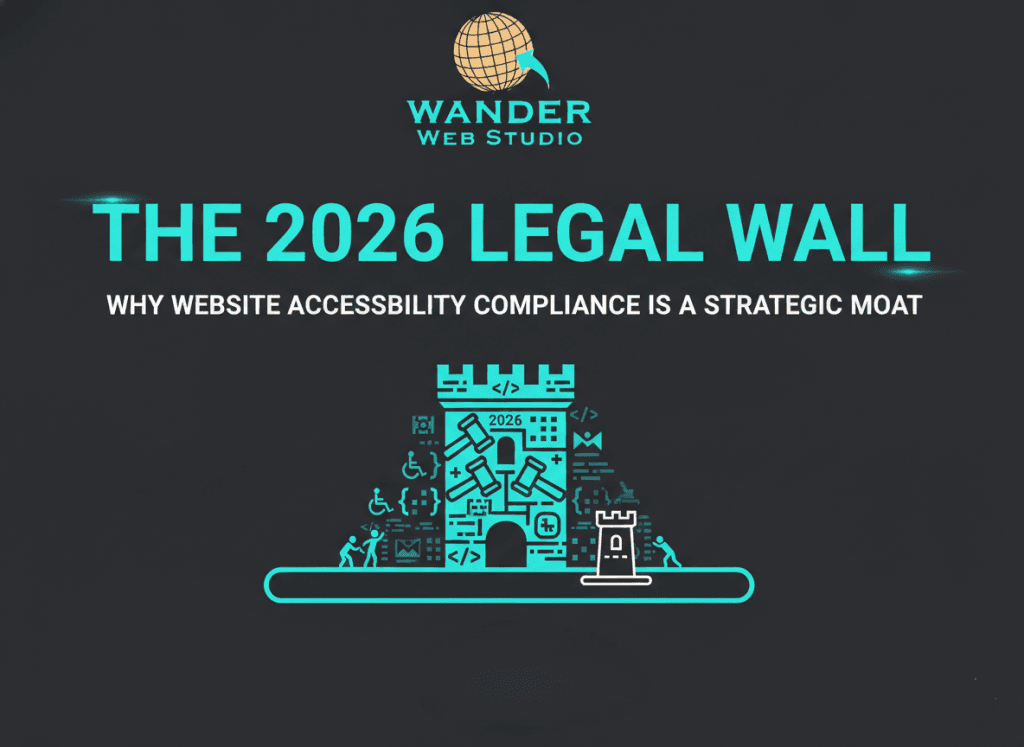
If 2025 was the year of “AI hype,” 2026 is the year of the “Legal Reality Check.” For years, small to medium businesses treated website accessibility compliance 2026 as a checkbox—something to be solved with a $50-a-month widget. But the wall has officially closed in.
With the Department of Justice (DOJ) officially enforcing DOJ website accessibility rules, the “quick fix” era is over. For businesses in the Houston and San Antonio corridors—especially those vying for government contracts through the CMBL or B2Gnow—accessibility is no longer just a nice thinhttps://b2gnow.com/g to do for the community. It is your business moat. It is the barrier that keeps your competitors out and your contracts secure.
As of April 2026, the DOJ has mandated that public entities (and the vendors who serve them) must conform to ADA WCAG 2.1 Level AA. This isn’t just a suggestion; it’s a requirement for any digital service, from your contact forms to your PDF whitepapers.
The most significant shift? Workarounds are no longer sufficient. The DOJ has explicitly stated that offering an “accessible alternative” (like a separate text-only site) is a violation of the ADA. Your primary site must be the accessible site. This is where Strategic Content Engineering moves from a luxury to a necessity. If your content isn’t structured correctly from the start, you aren’t just invisible to a segment of the population; you are a target for AI-driven lawsuit bots that can scan and flag your site in seconds.
Wanderer’s Wisdom: I recently spoke with a business owner who thought their “accessibility widget” had them covered. They felt safe. Then they got a demand letter because their “Shop Now” button was invisible to a screen reader. The widget was just a fresh coat of paint on a crumbling house. We had to perform a full technical website overhaul to fix the underlying HTML. The lesson? You can’t “bolt on” accessibility. It has to be the bricks and mortar of your custom WordPress site architecture.
In 2026, the single biggest mistake in digital accessibility for small business is relying on overlays. These tools claim to “fix” your site with one line of code. In reality, they often make things worse.
For our clients in Houston and San Antonio, we emphasize that true compliance happens in the code, not the browser. When we build a high-performance WordPress optimization plan, accessibility is the first layer of the foundation. It’s what ensures your site remains “Robust” and future-proofed against technical SEO audits that now penalize poor usability.
Here is the secret that most “compliance” experts won’t tell you: website accessibility compliance 2026 is one of the most powerful SEO boosters in your arsenal.
Recent studies show that websites that implement full WCAG 2.1 Level AA remediation see an average organic traffic increase of 12%. Why? Because search engine spiders and screen readers “read” your site in almost exactly the same way.
By optimizing for the 61 million Americans with disabilities, you are accidentally (or purposefully!) creating the most crawlable, indexable, and authoritative site in your niche. Whether you are targeting web development or WordPress experts, inclusive design is your competitive edge.
Wanderer’s Wisdom: Think of accessibility like a ramp at a physical store. Yes, it’s there for people in wheelchairs. But it’s also used by parents with strollers, delivery drivers with dollies, and people with temporary injuries. Digital accessibility is the same. When you make your site easier for a screen reader, you make it easier for everyone—including the Google Bot.
The “Legal Wall” of 2026 doesn’t have to be a threat. It can be the reason you win your next big contract. When a procurement officer looks at your B2Gnow or CMBL profile and sees that your digital presence is fully ADA WCAG 2.1 Level AA compliant, you aren’t just a vendor; you are a “low-risk partner.”
The choice is clear: You can wait for the demand letter, or you can start your technical website overhaul today. In the world of “Lean and Mean” business, the strongest moat is the one that welcomes everyone in.
Through our parent company, Cocha Technology Inc., we are officially multi-certified as: WBE | MBE | SBE | HABE
4321 Kingwood Drive, Suite 222
Kingwood Texas 77339
Phone: 281-607-0616
Email: info@wanderwebstudio.com
Operating on Central Standard Time (CST) | Serving Clients Across All Time Zones
Copyright © Wander Web Studio. All Rights Reserved.