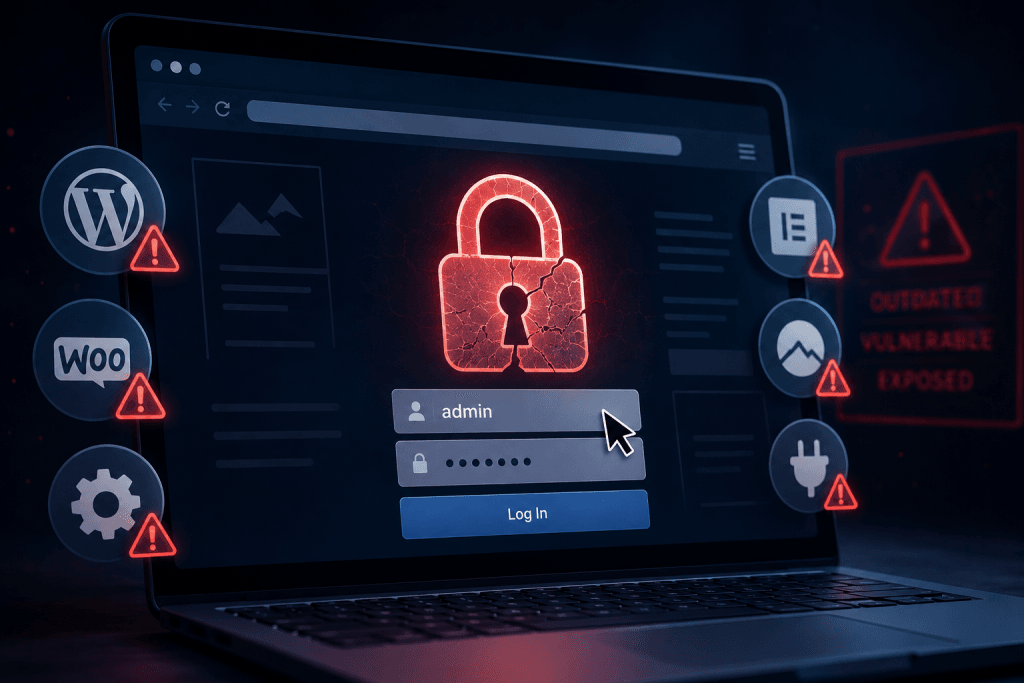
Here’s a belief I hear a lot, and I get why people land there: “we’re too small to be a target.” It feels logical on the surface. Why would anyone bother hacking a small local business instead of some giant corporation? But that logic runs backward from how most attacks in fact happen. A huge share of these attacks aren’t a person picking your business out specifically. They’re automated tools scanning thousands of sites for the same handful of common weaknesses, and yours doesn’t need to be interesting. It just needs to be unpatched.
Website security vulnerabilities don’t discriminate by business size. If anything, small businesses are often easier targets, precisely because there’s rarely a dedicated IT person watching for problems the way a larger company might have.
Let’s walk through where these risks show up.
If you’re running WordPress (and a lot of small business sites are), every plugin, theme, and core update you skip is a small crack left open. Security researchers publish known vulnerabilities constantly, and once a fix exists, any site that hasn’t updated is sitting exposed to a documented, publicly known weakness. This is genuinely one of the most preventable risks on this whole list, and it’s also one of the most common ways sites get compromised.
Admin, admin123, your business name plus a number — these still show up constantly, and they’re often the very first thing an automated attack tries. Reused passwords compound the problem: if one of your other accounts gets breached somewhere else entirely, and you’re using the same password on your website login, that breach now has a direct line to your site too.
If your site doesn’t show that small padlock icon in the browser bar, visitors — and browsers themselves — flag it as not secure, sometimes with an outright warning before the page even loads. Beyond the trust hit, an unencrypted connection means any information exchanged through your site, including contact form submissions, isn’t protected in transit. This is a baseline expectation now, not an advanced security measure.
This is the scenario people picture when they think of a “hacked website” — and it’s a real outcome of the smaller issues above going unaddressed. Attackers exploiting a known vulnerability can gain admin access, inject malicious code, redirect your visitors elsewhere, or deface your site entirely. Once that happens, you’re not just fixing a technical problem. You’re managing a genuine trust crisis with anyone who saw it happen.
Not every compromise is loud. Some malware sits quietly, injecting spam links invisible to a normal visitor, or redirecting a small percentage of traffic to another site without disrupting the rest of the experience. This kind of infection can damage your search rankings and reputation long before you ever notice something’s wrong, because nothing about the site looks broken on the surface.
The numbers here are worth sitting with directly. Research compiled from the Verizon Data Breach Investigations Report and IBM’s Cost of a Data Breach Report puts the realistic range for a typical small business security incident between $120,000 and $1.24 million, with prevention costing roughly 50 to 60 times less than recovery — commonly cited at $5,000 to $15,000 annually versus $500,000 or more to recover from a single incident (source: StationX, Small Business Cybersecurity Statistics 2026). That gap is enormous, and it tilts heavily in favor of getting ahead of this rather than reacting to it after the fact.
I think what stands out most in that math is how lopsided it is. Prevention here isn’t an expensive precaution. Relative to the cost of cleanup, it’s the cheap option.
A few of the most common weak points, roughly in order of how frequently they show up:
None of these are exotic, sophisticated attack vectors requiring a skilled hacker with a specific grudge against your business. They’re common, well-documented weaknesses that automated tools are actively scanning for, all the time, across the entire web.
Security shouldn’t be a defensive concern sitting off to the side from your marketing. It ties directly into how visitors — and increasingly AI tools — assess whether your site is credible. We touched on this in our post on website trust signals; an unsecured or compromised site actively damages the same credibility signals that determine whether you’re recommended or cited at all, human visitor or AI system alike.
Keeping your site’s foundation secure also connects to how it’s structured overall — a well-organized site with clean internal link siloing tends to make it easier to spot when something’s changed unexpectedly, since you’re monitoring a clear, deliberate structure rather than a sprawling, disorganized mess where an injected page or redirect could hide unnoticed.
Part 2 of this post will cover exactly how to lock this down — practical, non-technical steps you can take starting today, plus what to look for in ongoing security support if you’d rather not manage it solo. For now, the main thing worth sitting with is this: “we’re too small to be a target” isn’t a security strategy. It’s the exact assumption that makes small businesses an appealing one.
Turn your website into a high-performance business tool.
Through our parent company, Cocha Technology Inc., we are officially multi-certified as: WBE | MBE | SBE | HABE
4321 Kingwood Drive, Suite 222
Kingwood Texas 77339
Phone: 281-607-0616
Email: info@wanderwebstudio.com
Operating on Central Standard Time (CST) | Serving Clients Across All Time Zones
©2026 Wander Web Studio. All Rights Reserved.